
Salesforce: The Complete Guide to Salesforce, Career Opportunities, and Skills in 2026
Salesforce has become one of the world’s leading Customer Relationship Management (CRM) platforms, helping organizations manage customer information, sales processes, marketing activities, customer service, and business operations from a centralized platform.
As businesses increasingly adopt cloud-based technologies, the demand for professionals with Salesforce skills continues to grow. From Salesforce Administrators and Developers to Business Analysts, Consultants, and LWC Developers, there are multiple career paths available for both beginners and experienced IT professionals.
In this guide, we will explore what Salesforce is, how it works, its major features, career opportunities, required skills, certifications, and how beginners can start a career in Salesforce.
What Is Salesforce?
Salesforce is a cloud-based CRM platform that enables businesses to manage their interactions with customers and prospects.
Unlike traditional software that may require installation on individual computers or company servers, Salesforce operates through the cloud. This allows users to access business data and applications from virtually anywhere with an internet connection.
Salesforce provides solutions for various business functions, including:
Sales
Customer service
Marketing
Commerce
Analytics
Application development
Automation
Integration
Data management
One of the major advantages of Salesforce is its flexibility. Organizations can customize the platform according to their business requirements using configuration, automation, development tools, and integrations.
Why Is Salesforce So Popular?
The popularity of Salesforce comes from its combination of cloud technology, customization, automation, scalability, and a large ecosystem of applications and professionals.
Businesses can use Salesforce to organize customer data, automate repetitive processes, track sales opportunities, provide customer support, and generate reports and dashboards.
Some important benefits include:
1. Cloud-Based Platform
Salesforce is cloud-based, so organizations don’t need to maintain traditional CRM infrastructure for every user.
2. Customization
Salesforce can be customized using:
Objects
Fields
Record Types
Page Layouts
Validation Rules
Flows
Permission Sets
Profiles
Reports
Dashboards
3. Automation
Businesses can automate repetitive processes using Salesforce automation tools such as Flow.
For example, a company can automatically:
Send an email when a new lead is created
Assign records to users
Update fields
Create related records
Request approval
Notify managers
4. Scalability
Salesforce can support organizations ranging from small businesses to large enterprises.
5. Integration
Salesforce can integrate with external applications and systems using APIs and other integration technologies.
Major Salesforce Products and Clouds
Salesforce provides different products and cloud solutions designed for specific business requirements.
Sales Cloud
Sales Cloud helps organizations manage their sales processes.
It can be used to manage:
Leads
Accounts
Contacts
Opportunities
Activities
Campaigns
Sales pipelines
Sales teams can track prospects from the initial interaction through the sales process.
Service Cloud
Service Cloud focuses on customer support and service operations.
Organizations can use it for:
Case management
Customer support
Knowledge management
Service automation
Customer communication
Marketing Cloud
Marketing Cloud provides tools for customer engagement and marketing automation.
It can help organizations manage customer journeys, campaigns, communication, and marketing activities.
Commerce Cloud
Commerce Cloud provides solutions for digital commerce and online shopping experiences.
Experience Cloud
Experience Cloud allows organizations to create digital experiences and portals for customers, partners, and other users.
Salesforce Platform
The Salesforce Platform allows businesses and developers to build customized applications and solutions on top of Salesforce.
Salesforce Administration
Salesforce Administration is one of the most popular entry points for people starting a Salesforce career.
A Salesforce Administrator is responsible for configuring and managing the Salesforce environment according to business requirements.
Important Salesforce Admin concepts include:
Objects and Fields
Users
Profiles
Permission Sets
Roles
Organization-Wide Defaults
Sharing Rules
Record Types
Page Layouts
Validation Rules
Reports
Dashboards
Data Management
Automation
A good Salesforce Administrator should understand both the technical configuration of Salesforce and the business requirements of an organization.
Salesforce Development
Salesforce Development is another major career path.
Developers create customized functionality using Salesforce’s development technologies.
Important technologies include:
Apex
Apex is Salesforce’s programming language.
It is used to implement business logic that cannot be handled through standard configuration.
SOQL
SOQL stands for Salesforce Object Query Language.
Developers use SOQL to retrieve Salesforce data.
For example, a developer may use SOQL to retrieve Accounts based on specific conditions.
SOSL
SOSL stands for Salesforce Object Search Language.
It is designed for searching across multiple objects.
Lightning Web Components
Lightning Web Components, commonly called LWC, is Salesforce’s modern framework for building user interfaces.
LWC uses web standards such as:
HTML
JavaScript
CSS
APIs
Salesforce APIs allow Salesforce to communicate with external applications and systems.
Salesforce Flow and Automation
Automation is an important part of modern Salesforce implementations.
Flow allows administrators and developers to automate business processes with minimal or no traditional coding.
Common types and concepts include:
Screen Flow
Record-Triggered Flow
Scheduled-Triggered Flow
Autolaunched Flow
Variables
Assignment
Decision
Get Records
Create Records
Update Records
Delete Records
Debugging
For example, when a new customer record is created, a Flow could automatically assign the record to a particular team and send a notification.
Learning Flow is therefore highly valuable for Salesforce Administrators.
Salesforce Security and Access Management
Salesforce provides several mechanisms for controlling access to data.
Important concepts include:
Profiles
Profiles define baseline permissions for users.
Permission Sets
Permission Sets provide additional permissions without changing a user’s profile.
Roles
Roles help determine record-level access within an organization’s hierarchy.
Organization-Wide Defaults
OWD settings establish the baseline level of record access.
Sharing Rules
Sharing Rules can extend access to records when users need additional visibility.
Understanding the difference between Profiles, Permission Sets, Roles, OWD, and Sharing Rules is essential for Salesforce professionals.
Salesforce Reports and Dashboards
Salesforce Reports allow users to analyze and organize business data.
Organizations can create reports to understand:
Sales performance
Lead conversion
Opportunity pipeline
Customer service activity
Employee performance
Business trends
Dashboards present important business information visually.
For example, a sales dashboard may display:
Total sales
Open opportunities
Closed deals
Lead conversion rate
Monthly revenue
Reports and dashboards help managers make data-driven decisions.
Salesforce Career Opportunities
One of the biggest reasons people learn Salesforce is the wide range of career opportunities.
Some common Salesforce roles include:
Salesforce Administrator
Administrators configure and maintain Salesforce environments.
Salesforce Developer
Developers build customized Salesforce functionality using Apex, LWC, APIs, and other technologies.
Salesforce Consultant
Consultants work with businesses to understand requirements and implement Salesforce solutions.
Salesforce Business Analyst
Business Analysts gather requirements, analyze business processes, and translate business needs into Salesforce solutions.
Salesforce Architect
Architects design complex Salesforce solutions and integrations for enterprise organizations.
Salesforce LWC Developer
LWC Developers specialize in creating modern Salesforce user interfaces using Lightning Web Components.
Skills Required for a Salesforce Career
The skills required depend on the career path.
For Salesforce Administrators
Beginners should focus on:
Salesforce fundamentals
Data modeling
Security
User management
Reports and dashboards
Automation
Flow
Data management
Configuration
For Salesforce Developers
Developers should learn:
Salesforce fundamentals
Apex
SOQL
SOSL
Triggers
Asynchronous Apex
LWC
APIs
Integration
Testing
Deployment
For Salesforce Consultants
Consultants should develop:
Requirement gathering
Business analysis
Salesforce configuration
Communication skills
Solution design
Documentation
Stakeholder management
Salesforce Certifications
Salesforce certifications can help professionals demonstrate their knowledge and skills.
Popular certifications include:
Salesforce Certified Administrator
Salesforce Certified Platform Developer
Salesforce Certified Platform App Builder
Salesforce Certified Business Analyst
Salesforce Certified Advanced Administrator
Salesforce Certified Sales Cloud Consultant
Salesforce Certified Service Cloud Consultant
The best certification path depends on your career objective and previous experience.
How to Start a Career in Salesforce?
If you’re a beginner, you don’t necessarily need to learn everything at once.
A structured learning path can make the process easier.
Step 1: Learn CRM Fundamentals
Understand what CRM systems are and how organizations manage customers, leads, opportunities, and service activities.
Step 2: Learn Salesforce Fundamentals
Start with Salesforce navigation, objects, fields, relationships, data management, and basic configuration.
Step 3: Learn Administration
Focus on:
Security
Reports
Dashboards
Automation
Flow
Data management
Step 4: Practice
Hands-on practice is extremely important.
Build small Salesforce projects and practice solving business requirements.
Step 5: Move Toward Development
If you want to become a developer, start learning:
Apex → SOQL/SOSL → Triggers → LWC → APIs → Integration
Step 6: Prepare for Interviews
Practice scenario-based questions rather than only memorizing definitions.
For example:
How would you automatically update a related record when a particular Salesforce record is created?
Questions like these help candidates understand how Salesforce concepts are applied to real business problems.
Salesforce Admin vs Salesforce Developer
Salesforce Administrator Salesforce Developer
Focuses on configuration Focuses on coding and customization
Uses declarative tools Uses Apex, LWC, APIs, etc.
Works heavily with Flow Works with Apex and development frameworks
Manages users and security Builds custom functionality
Creates reports and dashboards Develops complex solutions
Suitable entry point for many beginners Requires stronger programming knowledge
Both roles are valuable, and professionals can eventually combine administration and development skills.
Why Learn Salesforce in 2026?
Salesforce continues to evolve alongside cloud computing, automation, analytics, artificial intelligence, and digital transformation.
For professionals, learning Salesforce can provide exposure to multiple areas of technology and business.
It is particularly useful for people interested in:
CRM
Cloud computing
Automation
Software development
Business analysis
Enterprise technology
Customer experience
The Salesforce ecosystem also offers multiple specialization paths, allowing professionals to build careers according to their interests.
Final Thoughts
Salesforce is much more than a CRM application. It is a broad cloud platform that combines CRM, automation, analytics, development, integration, and application customization.
For beginners, Salesforce Administration can provide a strong foundation. Those interested in programming can progress toward Salesforce Development, Apex, LWC, and integrations. Experienced professionals can explore consulting, architecture, and specialized Salesforce roles.
The key to building a successful Salesforce career is not simply completing a course or certification. Consistent practice, real-world projects, strong fundamentals, and interview preparation are equally important.
If you’re planning to enter the Salesforce ecosystem, start with the fundamentals, choose a career path, build practical skills, and gradually expand your expertise.
I can also create a professional 1200×628 blog image for this Salesforce article.
Newsletter
Recent Posts
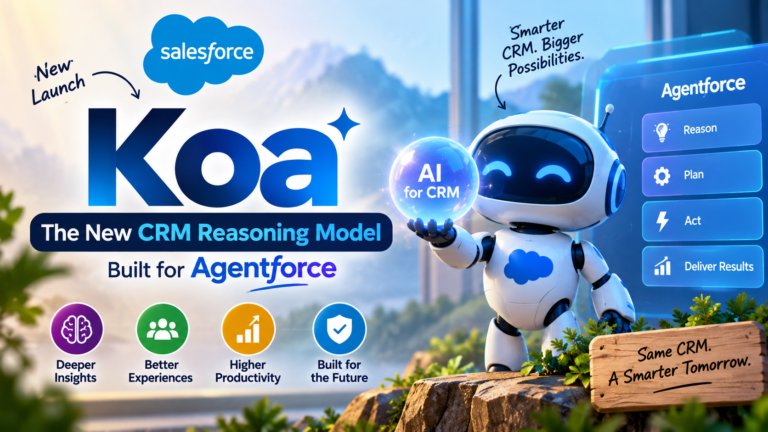
Salesforce Koa: The New CRM Reasoning Model Built for Agentforce
Artificial intelligence is rapidly changing how businesses use CRM platforms.

Trump Warns EU Over Canada’s Proposed Associate Membership 🇺🇸🇨🇦🇪🇺 | Current Affairs 2026
U.S. President Donald Trump warned the European Union of potential
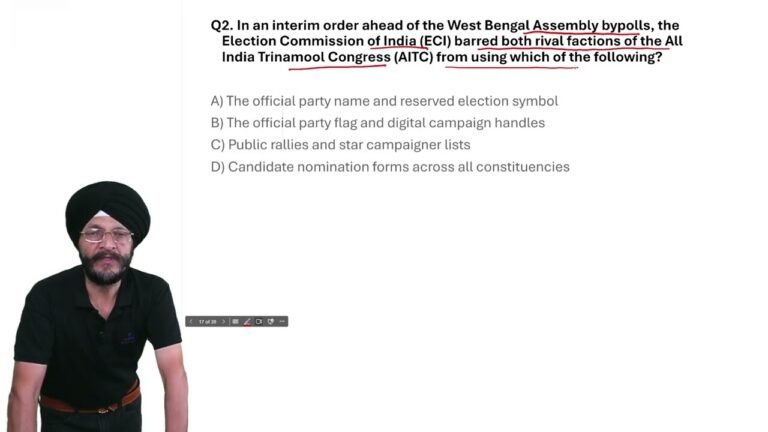
West Bengal Bypolls 2026: ECI Bans TMC Name & Symbol | Current Affairs MCQ
In today’s Current Affairs 2026 MCQ, we cover an important

Trump Warns EU Over Canada’s Associate Membership | Current Affairs MCQ 2026
In today’s Current Affairs 2026, we cover an important international