
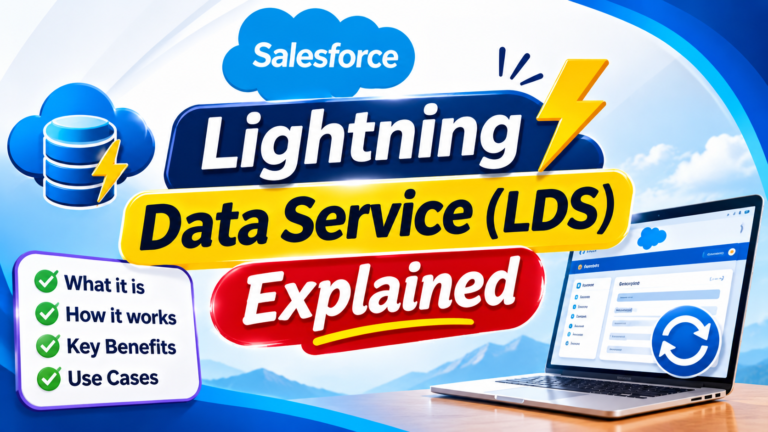
Lightning Data Service (LDS) Explained
Lightning Data Service (LDS) Explained: A Complete Guide for Salesforce Developers
Lightning Data Service (LDS) is one of the most useful features for developers building applications with Lightning Web Components (LWC). It allows components to work with Salesforce records without requiring developers to write Apex for many common data operations.
If you are building record-based user interfaces in Salesforce, understanding LDS can help you create applications that are faster, more secure, and easier to maintain.
What Is Lightning Data Service?
Lightning Data Service is a Salesforce data-access framework that allows Lightning components to create, read, update, and delete Salesforce records.
Instead of writing Apex controllers for basic record operations, developers can use LDS and the User Interface API to interact with Salesforce data.
In simple terms:
Lightning Component → LDS → Salesforce Data
LDS handles much of the communication between your component and Salesforce automatically.
Why Use Lightning Data Service?
Suppose you need an LWC that displays an Account record.
Without LDS, you might create an Apex method, query the Account using SOQL, return the data to the component, and then handle errors and security considerations yourself.
For standard record operations, LDS can significantly simplify this process.
It provides built-in mechanisms for retrieving and modifying records while integrating with Salesforce’s platform security and metadata.
How Lightning Data Service Works
When a Lightning component requests record data through supported LDS functionality, Salesforce retrieves the required information through the UI API.
LDS can also maintain client-side record data and coordinate updates between components.
A simplified flow looks like this:
Component requests record → LDS checks available data → UI API retrieves required information → LDS provides data to the component
When the record changes, components using the same underlying record data can be kept synchronized without each component independently managing the entire data-fetching process.
LDS Options in Lightning Web Components
Salesforce provides several ways to work with records through LDS.
1. lightning-record-form
lightning-record-form is one of the quickest ways to build forms for Salesforce records.
It can be used for common operations such as displaying, creating, and editing records.
Example:
<lightning-record-form
    record-id={recordId}
    object-api-name="Account"
    fields={fields}
    mode="edit">
</lightning-record-form>
This approach requires very little custom code.
2. lightning-record-edit-form
Use lightning-record-edit-form when you need more control over the layout and behavior of an edit or create form.
It works with components such as:
<lightning-input-field>and
<lightning-button type="submit">This gives developers more flexibility than lightning-record-form.
3. lightning-record-view-form
lightning-record-view-form is designed for displaying record information.
Developers can combine it with:
<lightning-output-field>to create customized record displays.
4. Wire Adapters
LWC also provides wire adapters through lightning/ui*Api modules.
For example, getRecord can retrieve specific fields from a record.
import { LightningElement, api, wire } from 'lwc';
import { getRecord, getFieldValue } from 'lightning/uiRecordApi';

import NAME_FIELD from '@salesforce/schema/Account.Name';

export default class AccountDetails extends LightningElement {
    @api recordId;

    @wire(getRecord, {
        recordId: '$recordId',
        fields: [NAME_FIELD]
    })
    account;

    get accountName() {
        return getFieldValue(this.account.data, NAME_FIELD);
    }
}
This approach is useful when you want record data while maintaining complete control over your component’s UI.
LDS vs Apex
A common question among Salesforce developers is:
Should I use Lightning Data Service or Apex?
For straightforward record operations, LDS is often the better starting point.
| Lightning Data Service | Apex |
|---|---|
| Great for standard record operations | Better for complex business logic |
| Minimal server-side code | Requires custom server-side code |
| Integrates with Salesforce security | Developers must carefully enforce applicable security |
| Supports client-side record management | Custom caching/data handling may be needed |
| Ideal for UI-oriented CRUD | Ideal for complex queries and processing |
The two technologies are not competitors. They solve different problems.
Security Benefits of LDS
Security is an important advantage of using LDS.
Because LDS uses the UI API, it respects important Salesforce access controls, including object-level and field-level permissions and record access.
This reduces the amount of custom security-handling code required for common UI data operations.
With custom Apex, developers need to ensure that the appropriate security controls are correctly enforced for the use case.
Client-Side Caching
Another important LDS feature is client-side record caching and sharing.
If multiple compatible components request the same record data, LDS can reduce unnecessary server interactions by reusing available record information.
This can improve responsiveness and reduce redundant data retrieval.
However, developers should not assume that every request will always be served from cache. Salesforce manages the underlying caching behavior.
Record Synchronization
Imagine two components on the same Lightning page displaying information about the same Account.
If the record is updated through LDS-supported mechanisms, LDS can help keep components using that record data synchronized.
This reduces the need for developers to manually coordinate every component refresh.
When Should You Use LDS?
Lightning Data Service is a strong choice when your component needs to:
- Display Salesforce records
- Create new records
- Edit existing records
- Delete records
- Build record forms
- Retrieve specific record fields
- Work with standard UI-oriented CRUD operations
It is particularly useful when you do not need complex server-side processing.
When Might Apex Be Better?
LDS is powerful, but it does not replace Apex.
Apex may be more appropriate when you need complex SOQL queries, sophisticated business logic, operations across many related records, specialized transaction handling, or functionality that is not available through the UI API.
A useful rule is:
Standard record interaction → Consider LDS first
Complex server-side processing → Consider Apex
Advantages of Lightning Data Service
The major advantages include:
Less Apex Code: Many standard CRUD operations can be implemented without custom controllers.
Built-In Security Integration: LDS works with Salesforce’s UI API security model.
Client-Side Data Management: Record data can be cached and shared across compatible components.
Record Synchronization: Components working with the same record can remain more consistent.
Simpler Development: Developers can focus more on the user experience rather than writing repetitive data-access code.
Important Limitation
Lightning Data Service should not be treated as a replacement for every data-access requirement.
If your application requires highly customized queries, complex calculations, sophisticated transaction logic, or specialized bulk processing, Apex or another appropriate Salesforce API may still be necessary.
Choosing between LDS and Apex depends on the type of operation your application needs to perform.
Final Takeaway
Lightning Data Service provides Salesforce developers with a powerful way to work with record data directly from Lightning Web Components.
It simplifies standard record operations, integrates with Salesforce security, provides client-side data management, and can reduce the need for custom Apex.
The easiest way to remember it is:
LDS = Less Apex + Built-In Security + Smarter Record Data Management
For standard record-based Lightning interfaces, consider Lightning Data Service before building a custom Apex solution.
Newsletter
Recent Posts
Lightning Data Service (LDS) Explained
Lightning Data Service (LDS) Explained: A Complete Guide for Salesforce

Senior Citizens Bill 2026 👴👵🇮🇳 | Which State Became the First to Pass It? | Current Affairs Q3
Test your national and state current affairs knowledge with Question
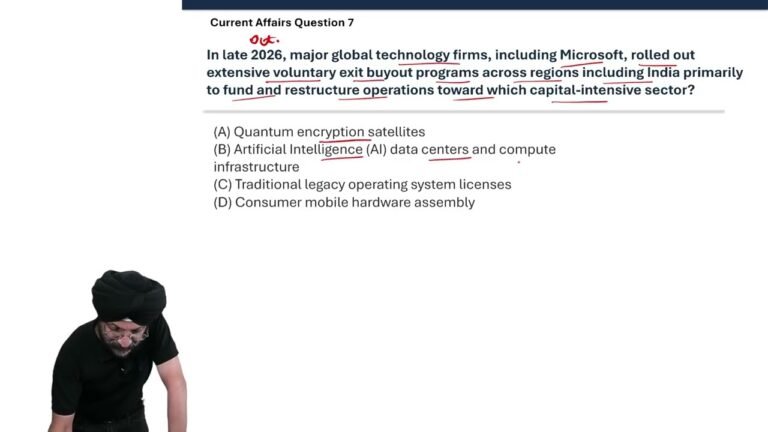
Microsoft Layoffs 2026 💻🤖 | Which Capital-Intensive Sector Is Driving the Shift? | Current Affairs
Test your technology and business current affairs knowledge with Question
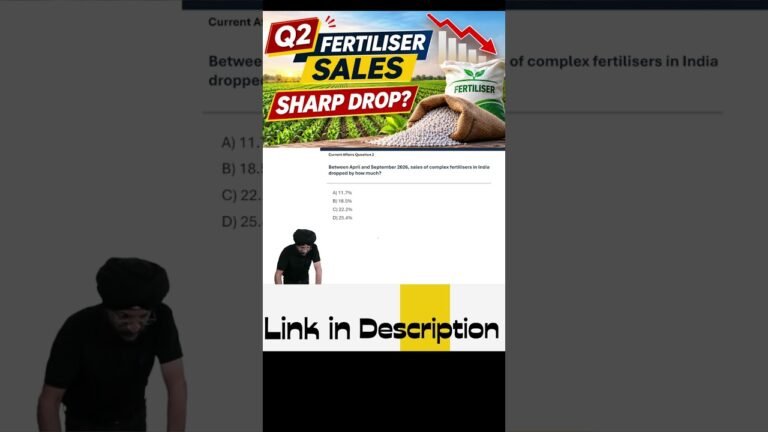
Fertiliser Sales Drop in India 📉🌾 | What Caused the Sharp Decline? | Current Affairs Q2
Test your agriculture and economy current affairs knowledge with Question